Create Multisig Wallet
After connecting your wallet to Sharkblock (via Web3Auth or existing wallet), the next step is creating a Squads V4 multisig wallet for automated trading. This multisig enables Sharkblock to execute trades on your behalf while you maintain full control.
What is a Multisig Wallet?
A multisig (multi-signature) wallet is a type of cryptocurrency wallet that requires multiple signatures to authorize transactions. This provides enhanced security by distributing control among multiple keys, making it much more difficult for unauthorized access.
Requirements
Before creating your multisig wallet, ensure you have:
- Minimum Balance: At least 0.05 SOL in your wallet for creation fees
- Secure Device: Use a trusted device with secure internet connection
How to Create Your Multisig Wallet
Follow these steps to create your secure multisig wallet:
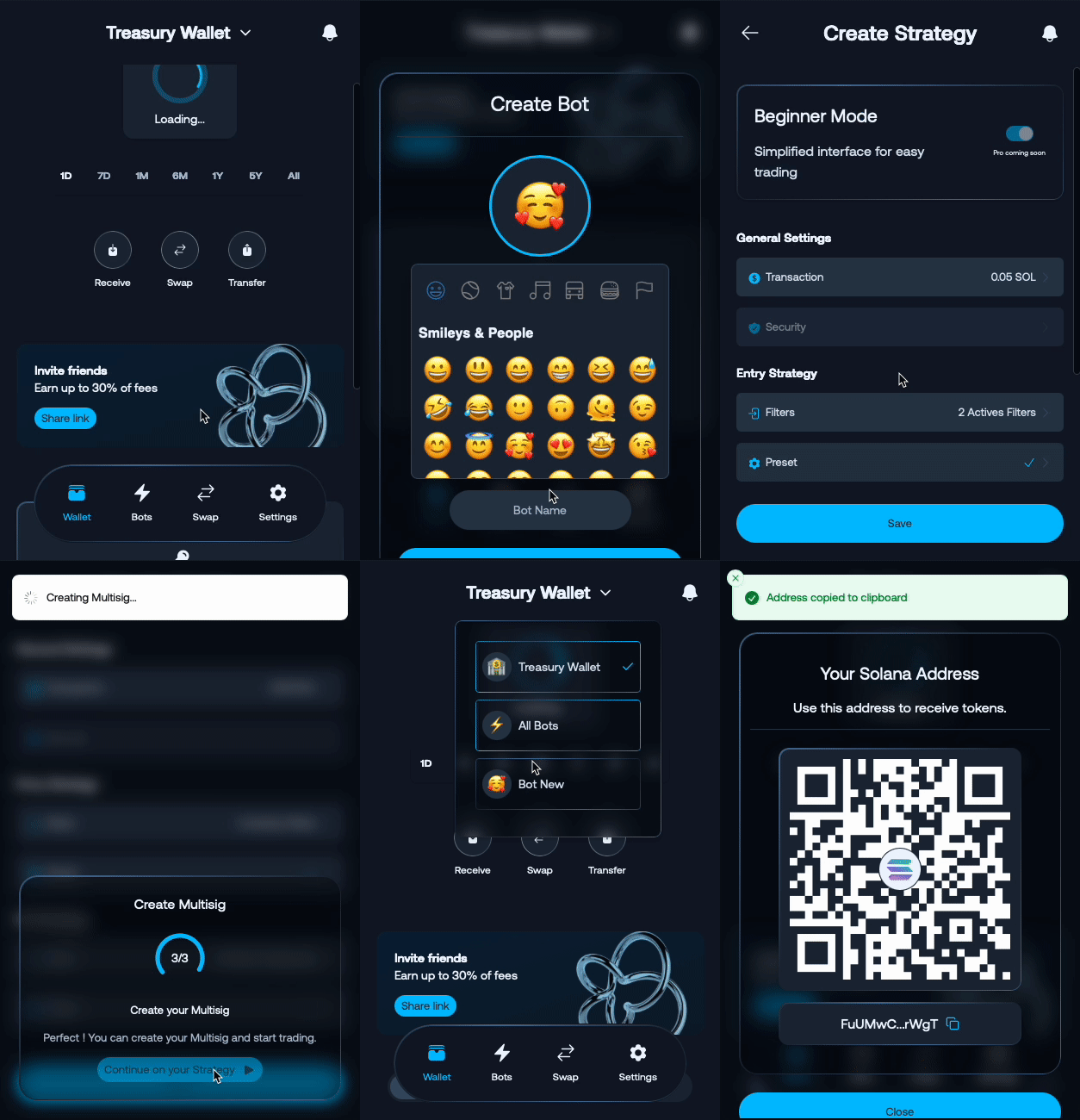
Multisig Configuration
Your Sharkblock multisig wallet is configured with the following specifications:
Members and Permissions
- Total Members: 2
- You (Owner): Config Authority with full control permissions
- Sharkblock: Simple Member with transaction execution rights
- Threshold: 1 signature required for transaction approval
What This Means
- 🔐 You Control: As the config authority, you maintain ultimate control over wallet settings
- 🤖 Bot Access: Sharkblock can execute trades on your behalf with single signature
- ⚡ Fast Execution: 1-signature threshold enables quick automated trading
- 🛡️ Security Balance: Optimized balance between security and trading efficiency
Bot Control
You can control all your bots anytime:
- Enable Bot: Start automated trading on all bots
- Disable Bot: Stop automated trading on all bots
Important Security Notes
⚠️ Critical: Always save your wallet recovery information in a secure, offline location. Loss of this information means permanent loss of access to your funds.
🔒 Multi-signature Protection: Your wallet requires multiple signatures for transactions, providing enhanced security against unauthorized access.
💡 Best Practice: Never share your private keys or recovery phrases with anyone, including support staff.
Why Squads V4 Protocol Multisig for Self-Custodial Trading?
Sharkblock uses Squads V4 Protocol, a leading multisig solution on Solana, for secure self-custodial trading.
Without Multisig
❌ We would need your private key to trade for you ❌ You lose complete control of your wallet
With Squads V4 Protocol Multisig
✅ You keep full control as the owner ✅ We get permission to execute trades only ✅ Your private key stays 100% private ✅ Battle-tested security trusted by institutions ✅ Optimized for Solana with low fees
Result: You keep full ownership while enabling automated trading with enterprise-grade security.
Learn more about the complete security architecture: How Your Wallet is Secured
Can I Use My Multisig Elsewhere?
Yes! Your multisig works with any compatible interface.
How to Access
- Export private key
- Import private key to Solana wallet (Phantom, Solflare, etc.)
- Connect to Squads Protocol to manage your multisig
- Full control and transparency
What’s Next?
After creating your multisig wallet, you can proceed to:
- Create your trading bot for automated trading
- Configure your trading preferences
- Learn about wallet management